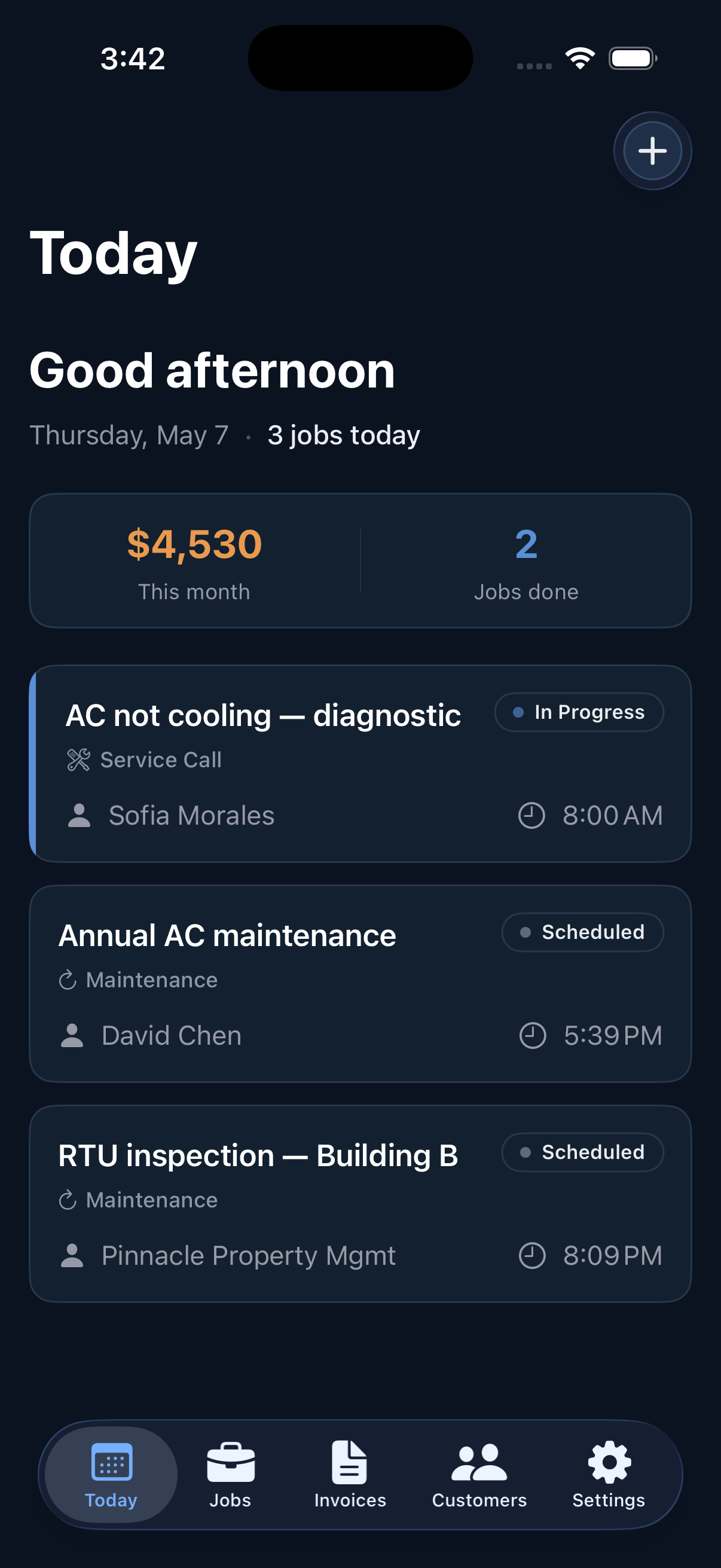
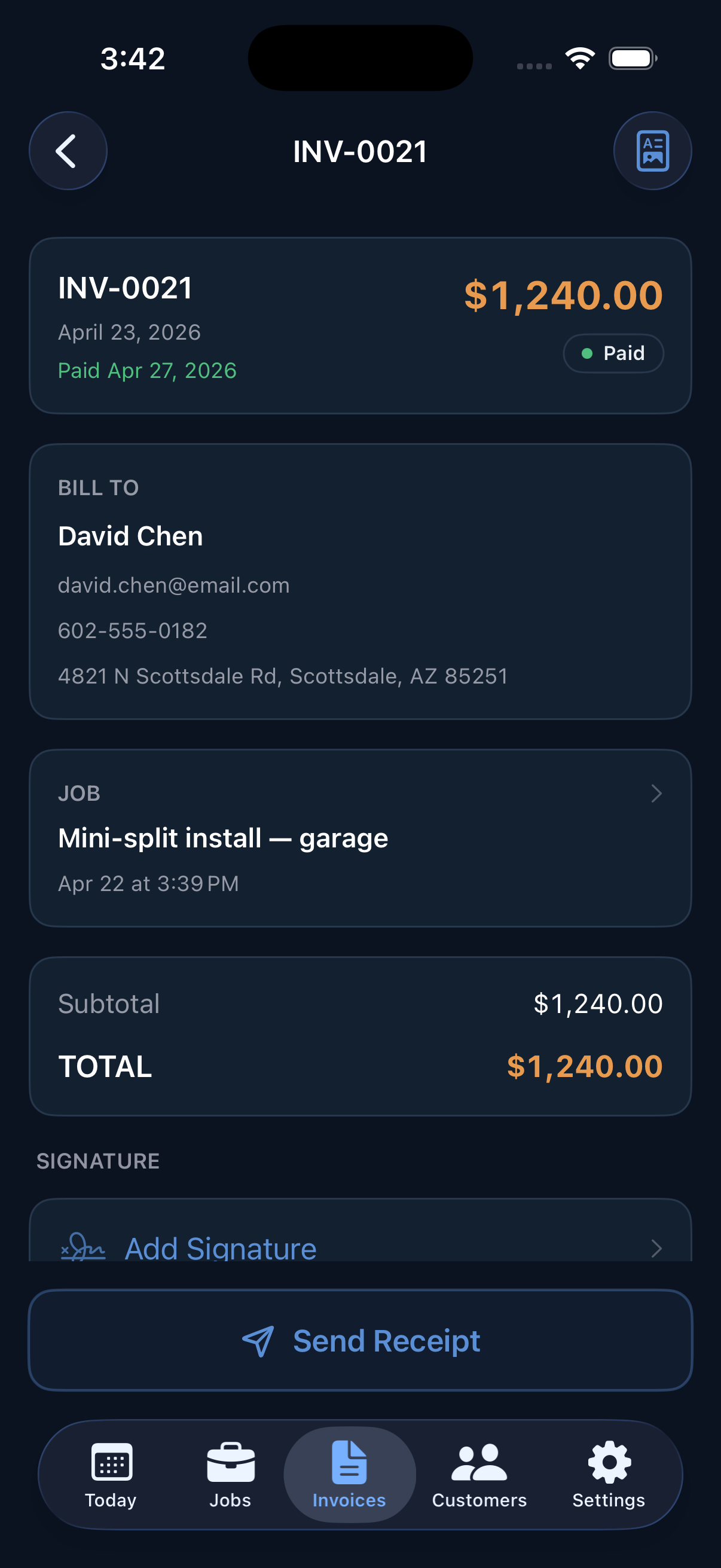
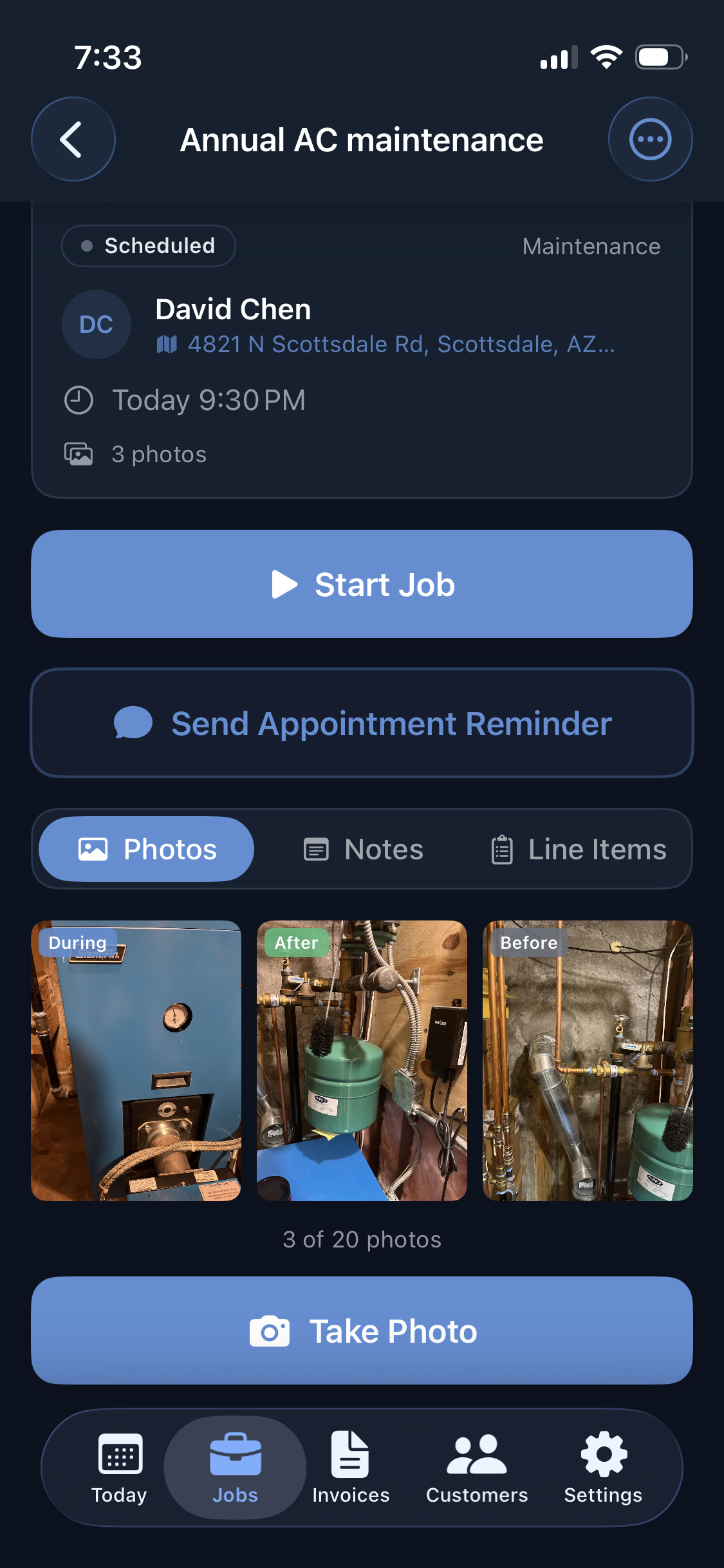
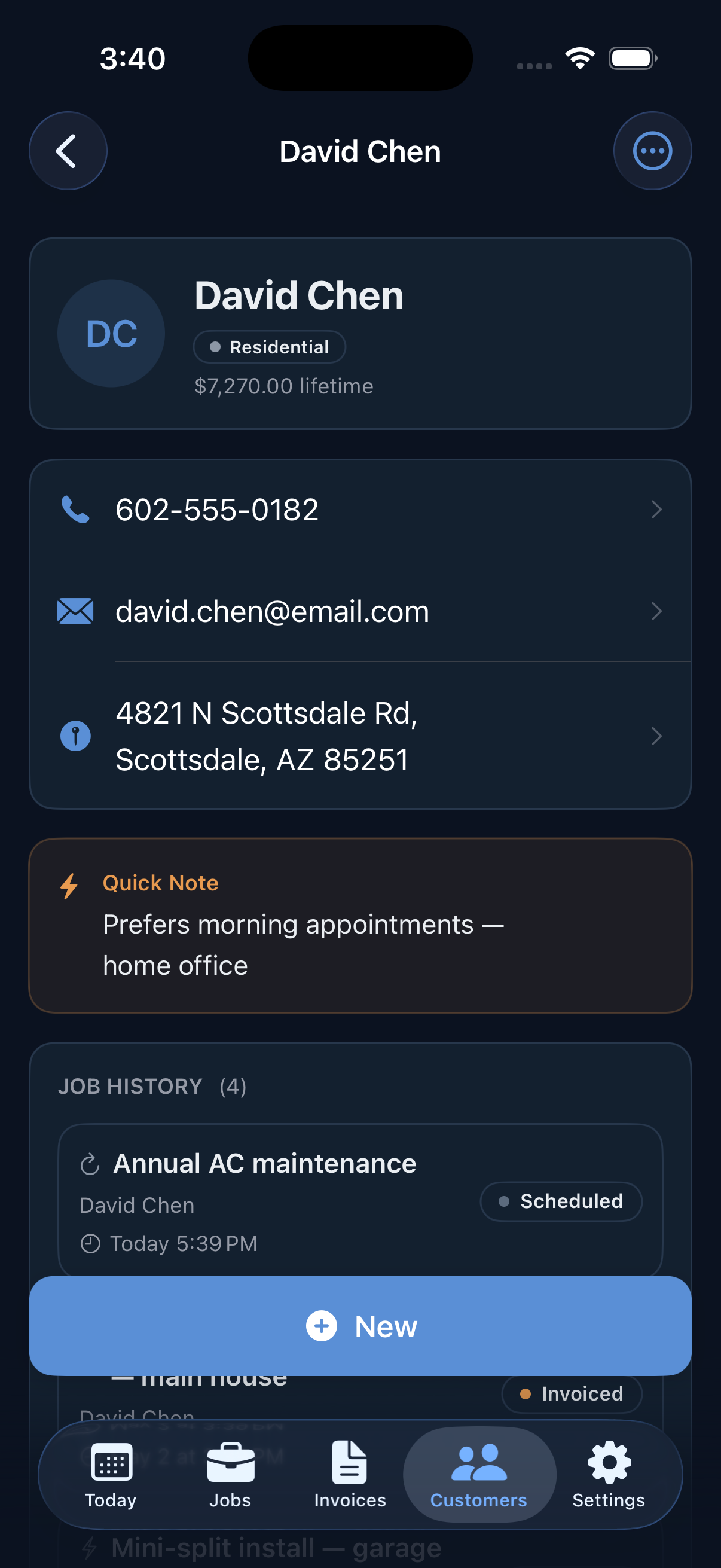
Is Logged free?
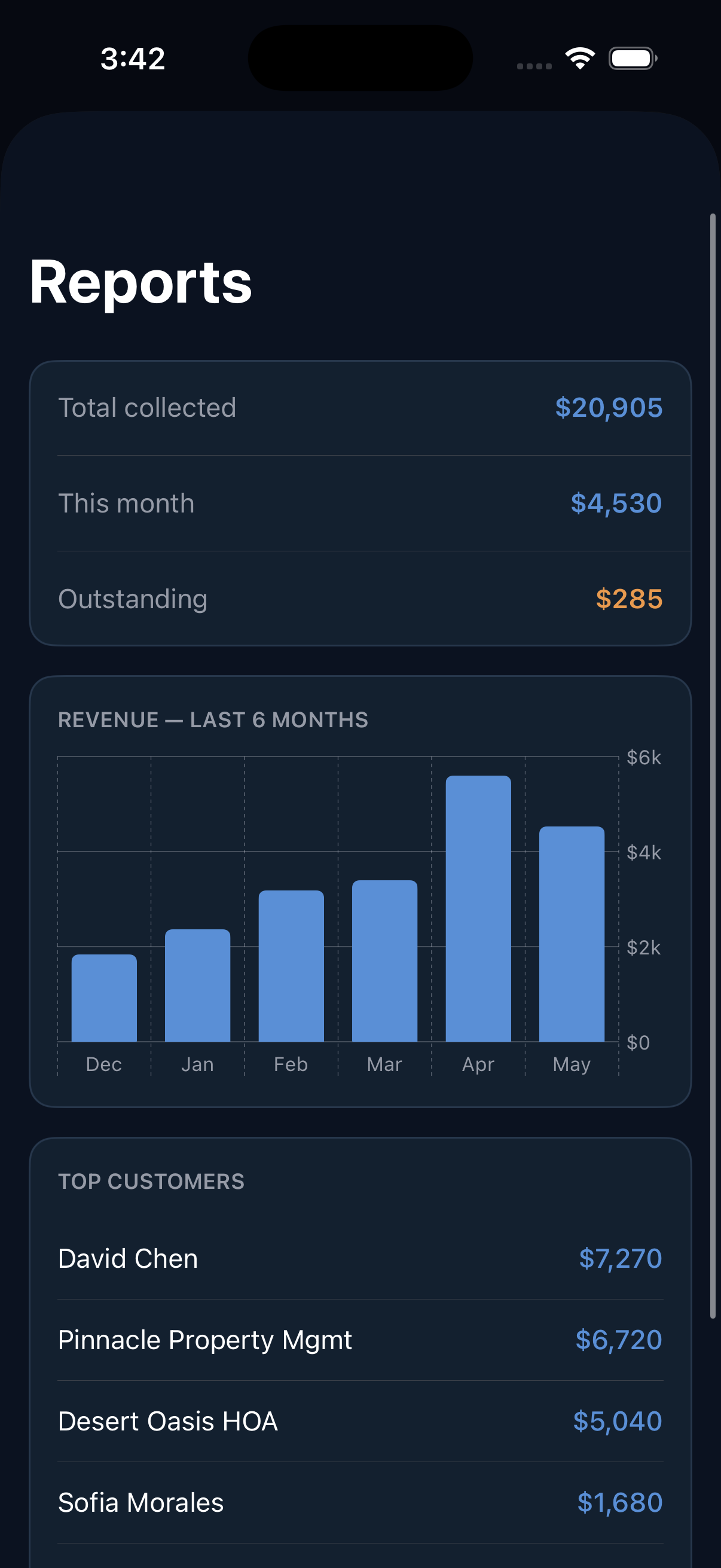
Yes. Logged has a free plan that includes up to 10 jobs, 5 customers, PDF invoice generation, photo documentation, and client signature capture — no credit card required. You can upgrade to Pro at any time for unlimited jobs, customers, and additional features.
How much does Logged Pro cost?
Logged Pro costs $9.99 per month, or $89.99 per year ($7.50/mo, saving 25%). The free plan is available forever with no credit card required.
What trades is Logged built for?
Logged is built for solo trades contractors including plumbers, electricians, HVAC technicians, painters, roofers, handymen, and general contractors. It is designed for solo operators, not crews or large teams.
Does Logged work without an internet connection?
Yes. Logged is fully offline-first — you can log jobs, take photos, generate invoices, and even tap Send with no internet connection. A send made offline is queued instantly and fires automatically the moment you're back online; your data syncs to the cloud in the background.
Can I send an invoice or estimate with no signal?
Yes. Tap Send with zero bars and Logged queues it right then — no error, no "try again later." The moment your phone catches signal, the email sends automatically in the background, even if the app is closed, and you get a notification when it lands. Logged never marks an invoice "sent" until your client actually has it, and it never double-sends.
Can I accept card payments from clients?
Yes, with Logged Pro. Connect your Stripe account once and every invoice can include a Pay Now link. Clients pay by card directly from their email and the invoice is marked paid automatically. Funds go directly to your bank — Logged never holds your money.
Is Logged available on Android?
Yes. Logged is available on both iPhone (App Store) and Android (Google Play). Both apps are built natively — Swift for iOS, Kotlin for Android — and share the same Firestore cloud backend so you can sign in on either device.
Is Logged a Jobber alternative?
Yes — Logged is built for the same solo and small-crew contractors Jobber targets, at a fraction of the price ($9.99/mo vs $39+/mo). The key difference: Logged is focused on field-first simplicity — log a job, snap photos, send an invoice or estimate in under 90 seconds. Jobber adds scheduling, dispatching, and CRM features that solo contractors pay for and rarely use. If you run a one-person or two-person trades business and want fast invoicing without the overhead, Logged is worth trying free.
Is Logged a Housecall Pro alternative?
Yes. Housecall Pro is a full field service management platform — scheduling, dispatch, GPS tracking, customer portal — priced accordingly ($49+/mo). Logged does not have scheduling or dispatching; it's purpose-built for solo contractors who need job logging, photo documentation, estimates with client accept/decline, and fast invoicing. If you need a one-truck-shop invoicing app that works offline and gets out of your way, Logged is the simpler, cheaper option.
How is Logged different from Joist?
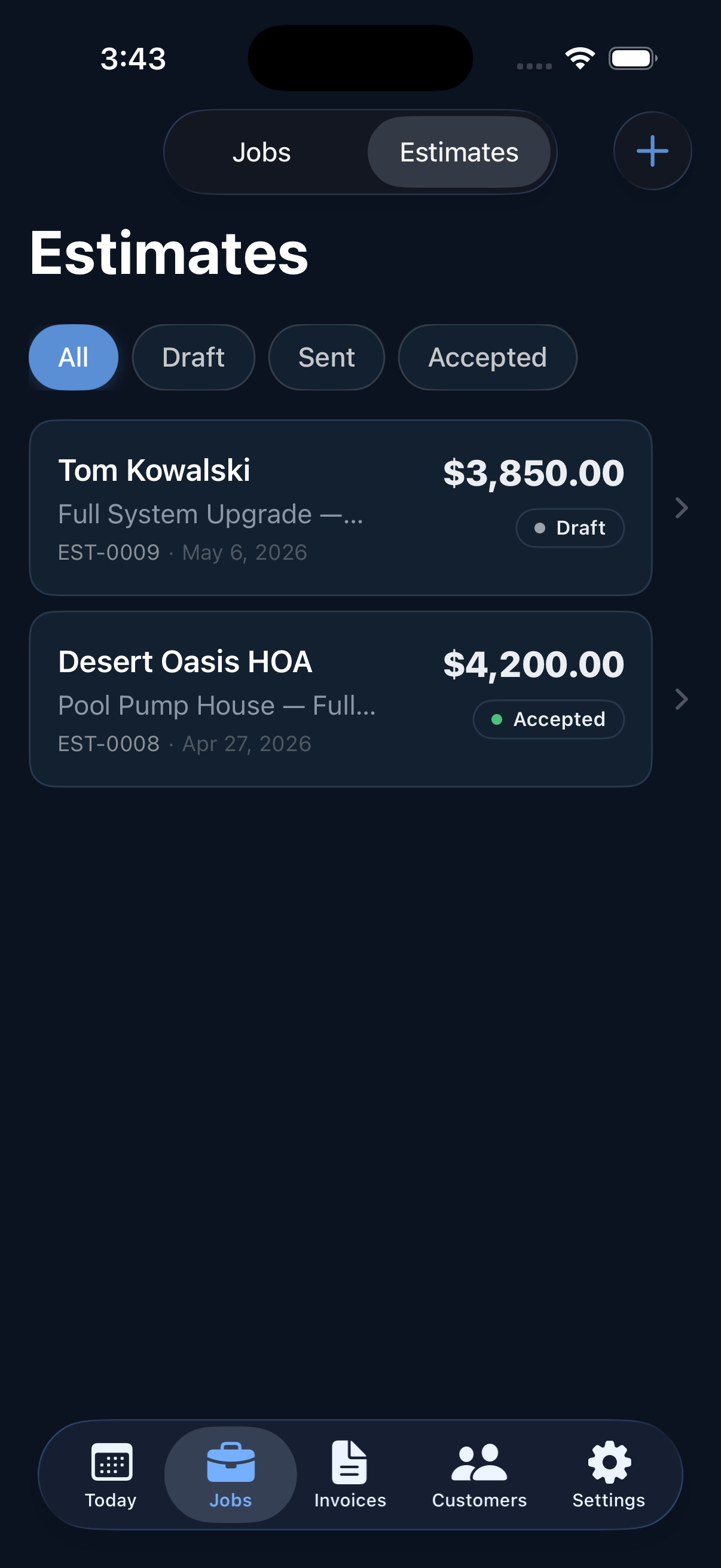
Both apps target solo trades contractors. Logged differentiates on three things: (1) Clients can accept or decline estimates from a web link — no printing, no PDF hunting, no app needed on their end. (2) Every invoice and estimate has a push notification — you know the moment your client opens your estimate or pays. (3) Both the iOS and Android apps are written natively (Swift and Kotlin) for the best possible camera, offline, and notification experience. Joist is a solid app; Logged is a newer, more notification-forward option worth comparing.
How is Logged different from FieldVibe?
FieldVibe is scheduling-first — its standout feature is automated SMS reminders to clients before appointments. Logged is invoicing-first — job documentation, GPS-tagged photos, estimates with client accept/decline, and Stripe card payments. FieldVibe also requires a connection to create new jobs; Logged is fully offline-first. FieldVibe Solo Pro is $20/mo vs Logged at $9.99/mo. If appointment no-shows are your pain point, FieldVibe is built for that. If evening paperwork and getting paid faster are your pain point, Logged is.
Is Logged a Tofu alternative?
Yes. Both target solo contractors who need quotes, invoices, and card payments on their phone. Key differences: Logged has a permanent free tier — Tofu offers a 7-day trial with no ongoing free plan. Logged takes no platform fee on card payments; Tofu charges 1% on top of Stripe's processing fee. Logged is written natively in Swift (iOS) and Kotlin (Android). Logged also includes push notifications the moment a client views or pays an invoice, and estimates clients can accept or decline from a web link — no app needed on their end.
Does Logged work without Wi-Fi or cell signal?
Fully. Logged is offline-first — all data is stored on your device first. You can log jobs, take photos, generate invoices, and tap Send with no internet connection. A send queued offline fires automatically the moment you're back on signal, and everything syncs in the background. This matters for contractors working in basements, rural properties, or anywhere signal is spotty.
Do clients need to download an app to accept my estimate or pay my invoice?
No. When you send an estimate or invoice, your client gets an email with a link to a clean web page. They review the line items and tap Accept or Decline right in their browser — no app, no account, no download required. For invoices with card payment enabled, they pay directly from the same web page.
Does Logged have scheduling or dispatching?
Not in v1. Logged is intentionally focused on the job-documentation and invoicing workflow — log the job, capture photos, send an estimate, invoice when done. Scheduling, dispatch, and route optimization are features built for multi-crew operations. If you need full field service management, Jobber or Housecall Pro are better fits. If you need fast, offline-first invoicing that works on your phone with one hand, Logged is built for that.